Tearsheet Studio / Marketing report
A marketing performance report from your channel data
Most marketing exports already contain everything a report needs: a date, a channel or campaign, spend, and results. The work is turning that into something a client or a CMO can read in a minute.
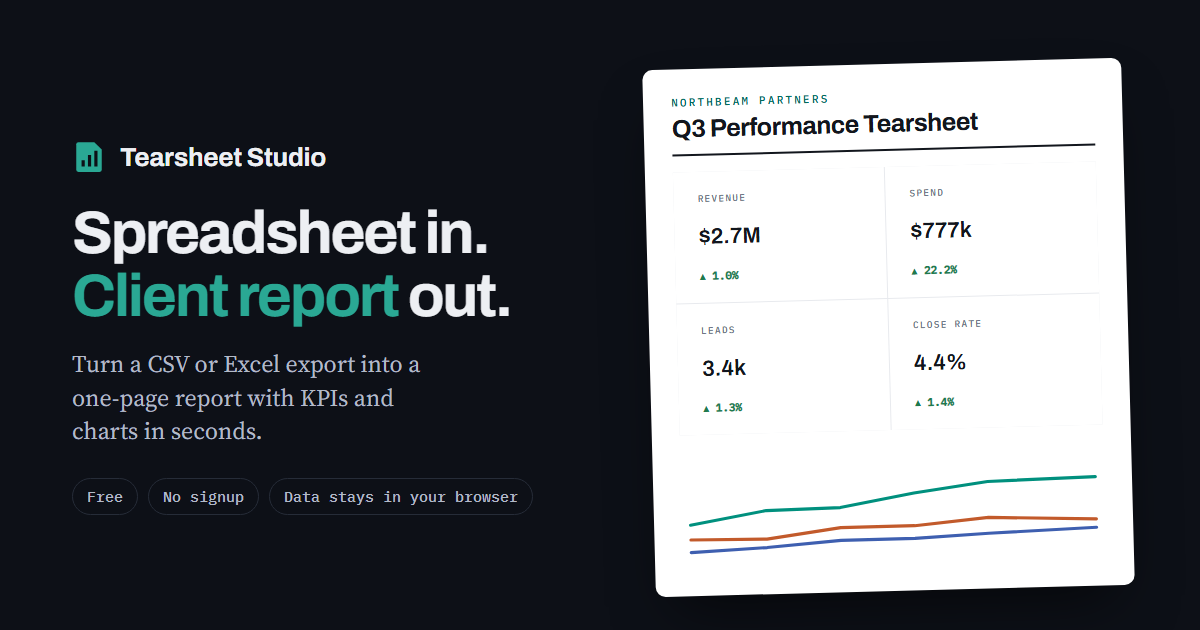
Metrics that belong on it
| Metric | How it's calculated | Watch out for |
|---|---|---|
| Spend | Total for the period | Currency: keep one per report |
| Revenue | Total for the period | Attribution windows differ between platforms |
| ROAS | Total revenue ÷ total spend | Never average each campaign's ROAS |
| Cost per lead | Total spend ÷ total leads | Leads counted differently in each platform |
| Conversion rate | Averaged, not added up | Summing rates gives a meaningless number |
How to build it
- Export the dataOne row per date and channel (or campaign), with spend and results columns. CSV or Excel both work.
- Set the headlineChoose revenue (or leads) as the headline measure and channel as the breakout.
- Add ROAS and cost per leadCreate them as calculated metrics. They're computed as a ratio of totals, which is the correct way to combine them.
Combining platforms
The report reads one file, or one sheet of a workbook, at a time. To show Google Ads, Meta and email together, stack the exports into one sheet with the same column names, plus a column saying which platform each row came from, and use that column as the breakout.
The built-in demo uses exactly this kind of data. Press “Try demo” in the app to see a finished marketing report before you import your own.
Questions
Can I use Google Analytics exports?
Yes. Export the report as CSV or to Google Sheets and download it as XLSX, then import that file.
How do I show ROAS correctly?
Add it as a calculated metric: revenue ÷ spend. It's worked out on the totals, not averaged across campaigns.
Can I report several clients' campaigns?
Build one report per client and save a template for each, so next month is a single import.
Is campaign data uploaded?
Your file is read inside your browser tab. It is never uploaded, so there is nothing to delete afterwards.