Tearsheet Studio / XLSX to report
Turn an Excel spreadsheet into a client report
If you send the same report every month, the spreadsheet isn't the hard part. The formatting is. Build the layout once, save it as a template, and next month just drop in the new file.
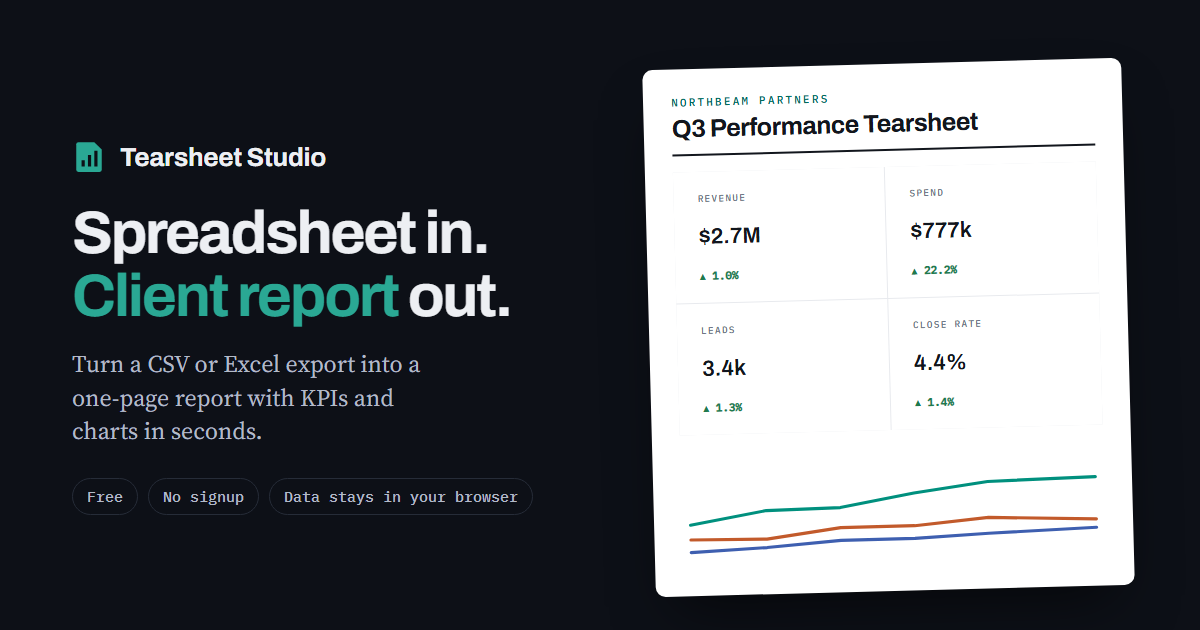
The monthly routine
- Build it onceImport this month's XLSX, choose the headline figures and charts, and add the client's name, your logo and colours.
- Save a templateA template stores the layout and settings without the data. It downloads to your computer as a small file.
- Next month, drop in the new fileOpen the template and import the new workbook. Columns are matched by name, and anything missing or renamed is flagged for you to check.
What you can customise
- Client name, report title, standfirst, prepared-by and reference
- Your logo and house colour
- A commentary paragraph for your take on the numbers
- Which sections appear, and in what order
- Which columns the detail table shows
Report or template?
Save report keeps the data and the settings, so you can reopen that exact report later. Save template keeps only the settings, which is what you want for a recurring report. Both are ordinary files stored on your own computer, not in an account.
Questions
Will my client see this tool's branding?
Only a small “Made with Tearsheet Studio” line in the footer. Everything else carries your branding.
Where are my templates stored?
On your computer, as downloaded files. There's no account, so nothing is kept on a server.
Is the workbook uploaded?
Your file is read inside your browser tab. It is never uploaded, so there is nothing to delete afterwards.
Which Excel files work?
XLSX and older XLS files up to 25 MB, one worksheet at a time.