Tearsheet Studio / Tear sheet template
Tear sheet template: what belongs on one page
A tear sheet is a one-page summary built to be read in a minute: the headline numbers, the trend behind them, and the detail that backs them up. The name comes from print, when pages were literally torn out to be shared.
Who uses tear sheets
- Investors and fund managers, summarising a company or a portfolio
- Agencies and consultants, sending clients their monthly results
- Sales and marketing teams, reporting a month or a quarter
- Finance teams, sharing a budget or spending snapshot
What to include, top to bottom
- The headerWho it's for, the period it covers, who prepared it, and a reference.
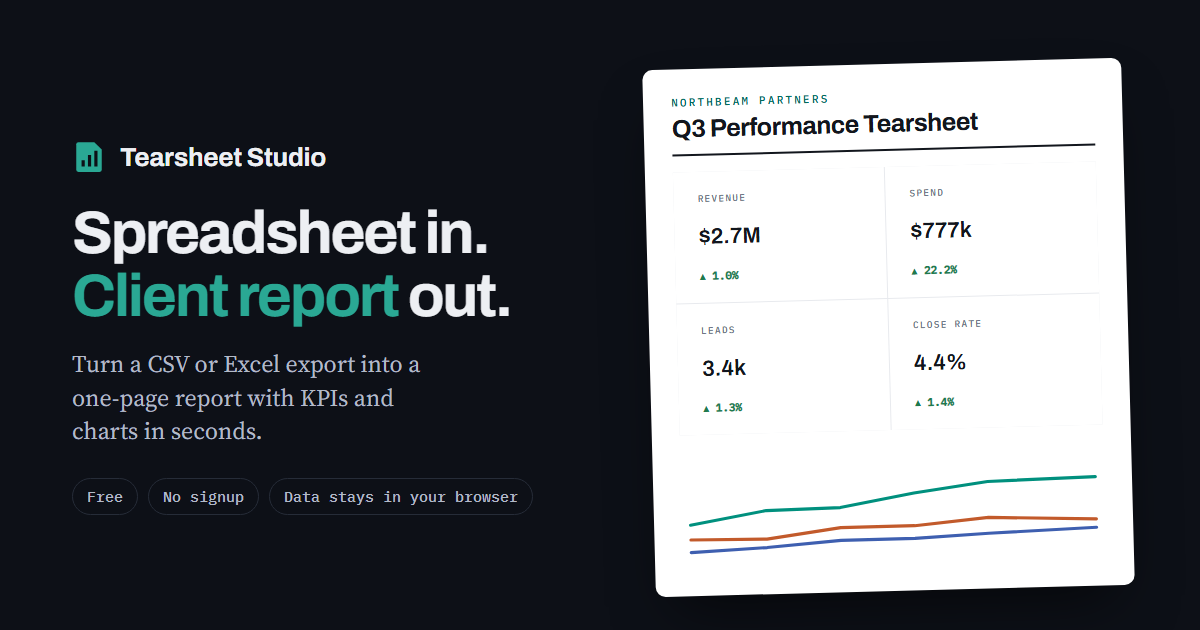
- Three or four headline figuresEach one with its change against a comparable period, so every number has context.
- One trendA single chart showing how the main number moved over time.
- The breakdownWhich categories drove the result: a ranking and each one's share of the total.
- A short detail tableEnough rows to back up the summary, not the whole dataset.
- Two or three sentences of commentaryWhat happened, why, and what comes next.
Make one from your spreadsheet
Tearsheet Studio lays a report out in exactly this order by default. Import a CSV or Excel export, pick up to four headline figures, and the trend, ranking, share and detail sections are built for you. You can reorder or hide any section, and save the layout as your own template for next time.
Keep it to one page. If it needs a second page, it's a report rather than a tear sheet. Cut detail rows before cutting headline figures.
Questions
Is a tear sheet the same as a one-pager?
They're close. A one-pager is usually a pitch or a product summary. A tear sheet summarises data: results, performance or a financial position.
How often should I send one?
Usually monthly or quarterly. Keep the layout the same each time, so readers learn where to look.
Can I download a blank template?
Rather than a blank file, the tool builds the finished tear sheet from your data. Once you like the layout, save it as a template file and reuse it for the next period.
Is it free, and is my data private?
It's free with no signup. Your file is read inside your browser tab. It is never uploaded, so there is nothing to delete afterwards.