Tearsheet Studio / Monthly client report
A monthly client report you build once and reuse
Clients read the first page and skim the rest. A good monthly report answers three questions quickly: what happened, why, and what's next. It should also look the same every month, so they know where to look.
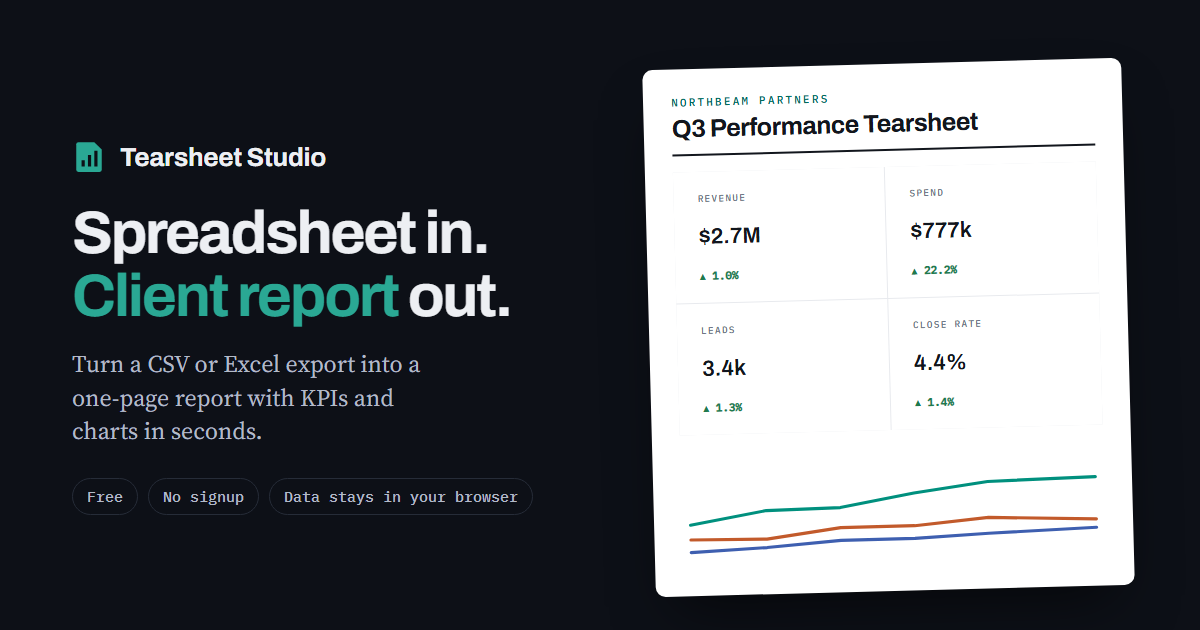
What clients actually want to see
- Results against the goal they care about, such as revenue, leads or bookings, rather than vanity metrics
- The change against last month, and against the same month last year for seasonal businesses
- Which channels or campaigns drove the result
- One short paragraph on what you'll do next
What to leave out
Platform screenshots, twenty metrics nobody asked for, and any number that comes without a comparison. If a figure doesn't change a decision, it belongs in the detail table or nowhere.
The monthly routine
- Build month oneImport the month's export, choose up to four headline figures and the breakout, and add the client's name, your logo and colours.
- Save it as a templateThe template stores the layout and settings without the data, as a small file on your computer. Keep one per client.
- Each month after thatOpen the client's template, import the new export, update the commentary, and export the PDF. Renamed or missing columns are flagged for you to check.
Questions
Can I compare against the same month last year?
Yes. Set the comparison to “same period last year” instead of the previous period.
Can I put my own branding on it?
Yes: your logo, house colour, client name and reference. There's only a small “Made with Tearsheet Studio” line in the footer.
I have several clients. Do I need several templates?
Save one template file per client. Each keeps its own layout and settings.
Is client data uploaded anywhere?
Your file is read inside your browser tab. It is never uploaded, so there is nothing to delete afterwards.